Not every CAM job begins with an empty manufacturing document. Existing setups and partially programmed operations are often the starting point for engineering changes, handovers or interrupted programming work.
Work with the existing manufacturing document
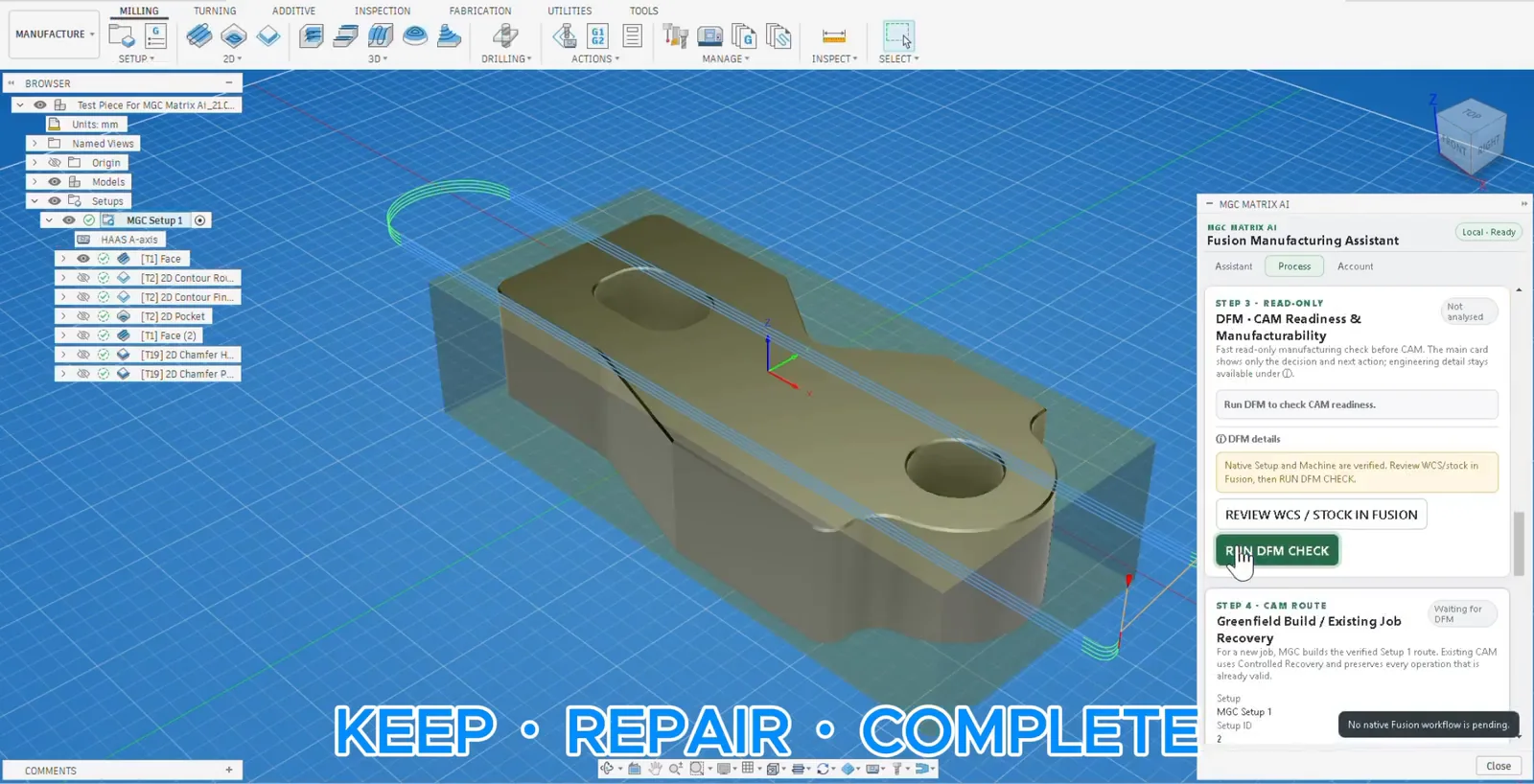
MGC Matrix AI Fusion includes a Continue / Repair workflow for supported existing jobs. The system reads the active document and relevant setup, geometry and existing operation context before planning a controlled continuation. It does not imply that any arbitrary CAM job can be repaired automatically.
Keep the native Fusion source of truth
Supported native operations are authored in Autodesk Fusion. Fusion calculates toolpaths, runs simulation and performs machine-specific post processing. The engineer retains control of verification, workholding, tooling and release decisions.
A recorded two-setup example
The published 30-second demonstration presents an existing Fusion CAM job with two setups and 16 operations, native simulation and a controlled path to production output. The video is an edited demonstration of a particular development example, not a guaranteed elapsed time or result for other geometry.
Evaluate recovery against your own workflow
A technical evaluation can establish whether a representative job matches supported recovery routes and what engineering review is required. For a new job, see the 24-operation native CAM example; for advanced milling, see the recorded 3D demonstrations.
Explore MGC Matrix AI Fusion →