
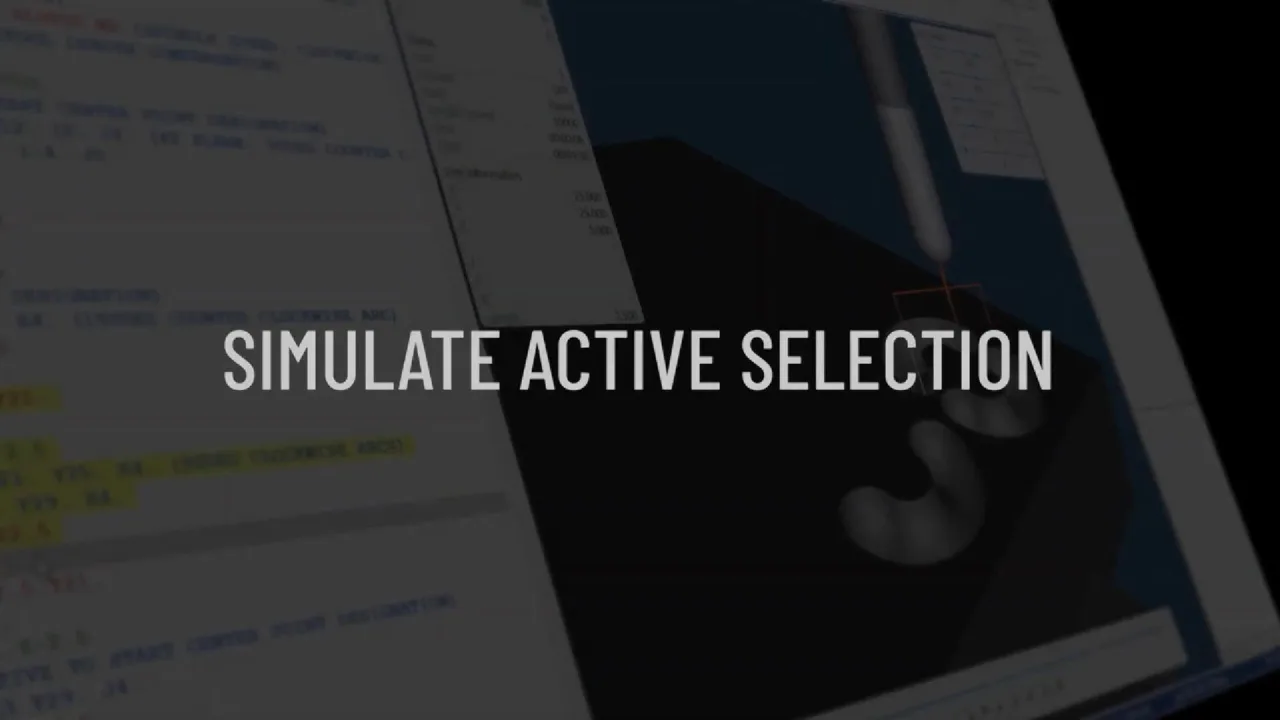
Large NC programs are difficult to assess when an engineer only needs to inspect one small segment. Simulate Active Selection in CIMCO Edit 2026 reduces that friction by connecting selected code to the corresponding visual toolpath.
Select the program lines — inspect the corresponding motion
A programmer can highlight a range of NC code, and CIMCO Edit updates Backplot and Solid Simulation to show the selected part of the toolpath. Adjusting the text selection changes the visual range under inspection.
The intent is precise verification and editing of a specific segment rather than repeatedly replaying the entire NC file.
Useful for isolating changes
The selected code and displayed toolpath stay in context. That helps when identifying the lines responsible for a move, narrowing a region before modifying it, or checking how the selected section relates to the rest of the program.
Final machine safety still depends on a properly configured simulation and the normal shop-floor verification process.
Watch the demonstration
The short clip below illustrates this feature. The feature explanation is based on CIMCO’s technical announcement; the linked LinkedIn post provides social context. This video demonstrates a feature, not certification of any particular NC program.
Discuss a relevant engineering requirement: request a technical demonstration or quotation.